
Attach post images and video
What images and video can I attach to a post?
You add pictures and video to one shared set, and each network takes what it can from it. A network that takes fewer pictures than you added gets the first ones, or the ones you choose for it. A network that cannot take your media at all is flagged, and the composer tells you what to change before you press Publish. Look under How each publisher shows it after you add a file.
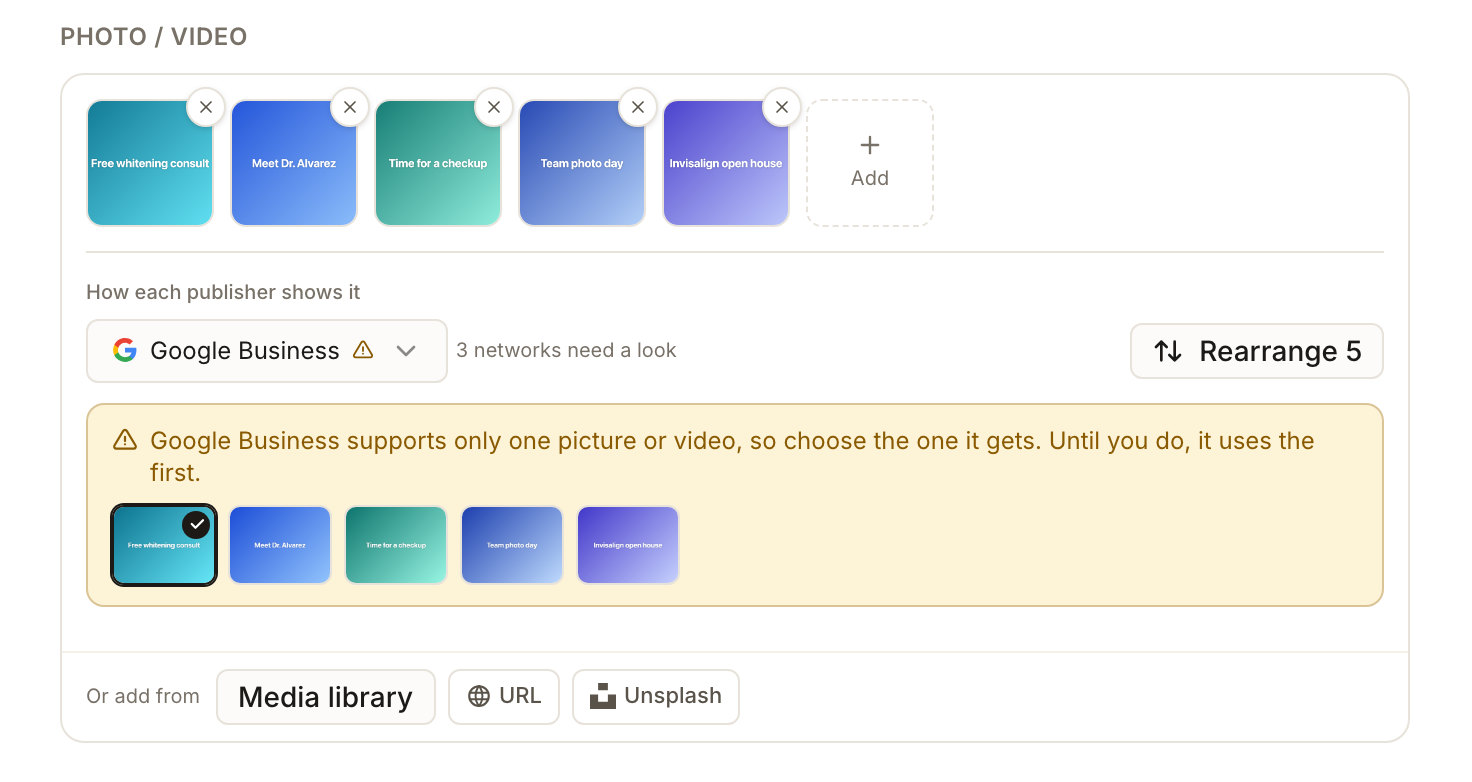
Key facts
| Where it lives | Create Post → Photo / Video, under Post Content |
| How many it holds | As many as the most generous selected network takes, up to 10 files |
| Ways to add | Drag and drop or browse, Media library, URL, Unsplash |
| Upload limits | Pictures up to 10 MB each. Videos up to 100 MB each, or up to 256 GB when YouTube is selected |
| Per-network check | How each publisher shows it lists each selected network and marks the ones that need a look |
| Needs media | Instagram and Pinterest need a picture or video. YouTube needs a video |
| Live posts | Pictures and video cannot be changed on a post that is already published |
Why this matters
Different networks accept very different media. One picture is enough for Google, Facebook takes ten, Instagram can mix pictures and video in one post, and Bluesky takes no video at all. The composer flags what each network will do, so read its notes before you publish.
Steps
In Create Post, choose the profiles first. The media rules follow the networks you selected.
Under Photo / Video, drag files in, or select browse. Before you add anything, the row of network icons shows a short hint for each network, one line for pictures and one for video.
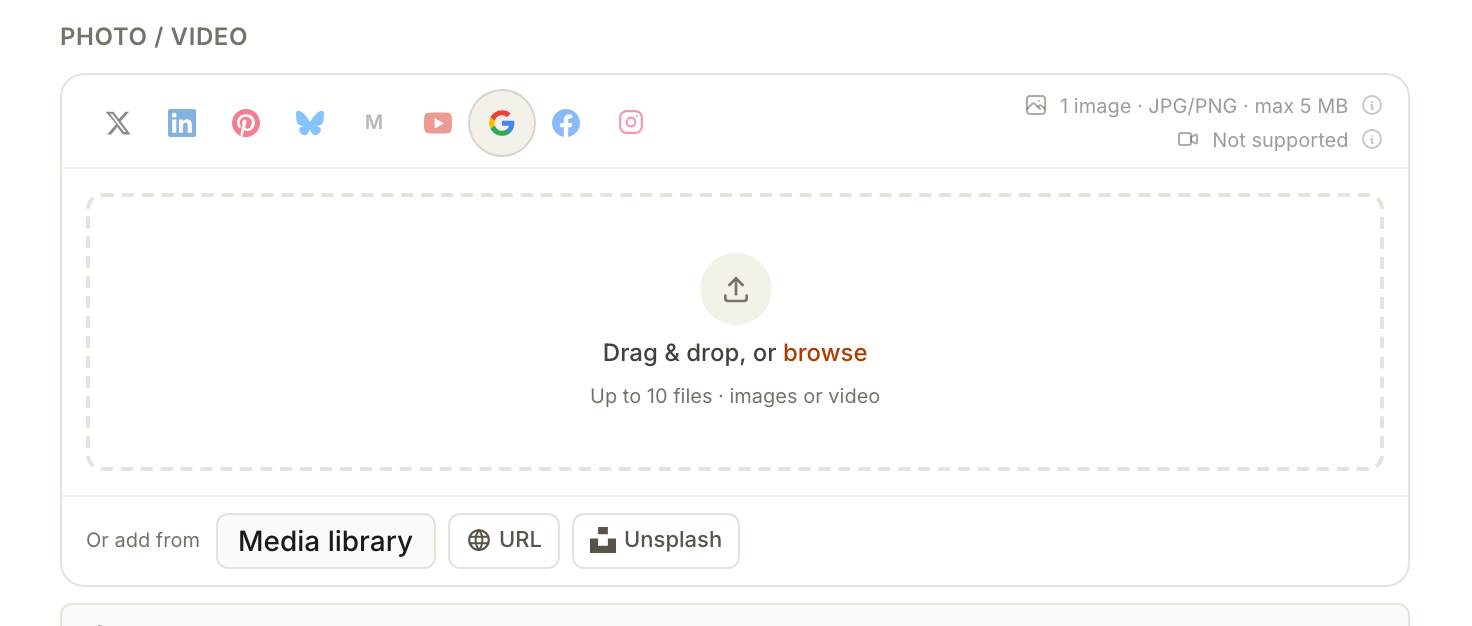
These hints are a quick summary only. A few differ from what Synup checks once you attach a file, for example Google's hint says video is not supported while a short video is accepted. The notes under How each publisher shows it and the table below are the ones to follow.
Add the files. browse accepts JPG and PNG pictures (BMP and TIFF too, unless Instagram or Pinterest is selected) and MP4 or MOV video. Pictures can be up to 10 MB each, and a video over 100 MB is refused before it uploads, with the message Videos can be up to 100 MB. Trim or compress this one, then upload it again. With YouTube selected the limit for a video is much higher. Under Or add from, Media library picks JPEG or PNG pictures you have already stored, URL brings in a file from a link, and Unsplash searches free stock pictures.
Look under How each publisher shows it. Each selected network is listed, and a warning mark means that network needs a look. Select a network to read what it will do with your media.
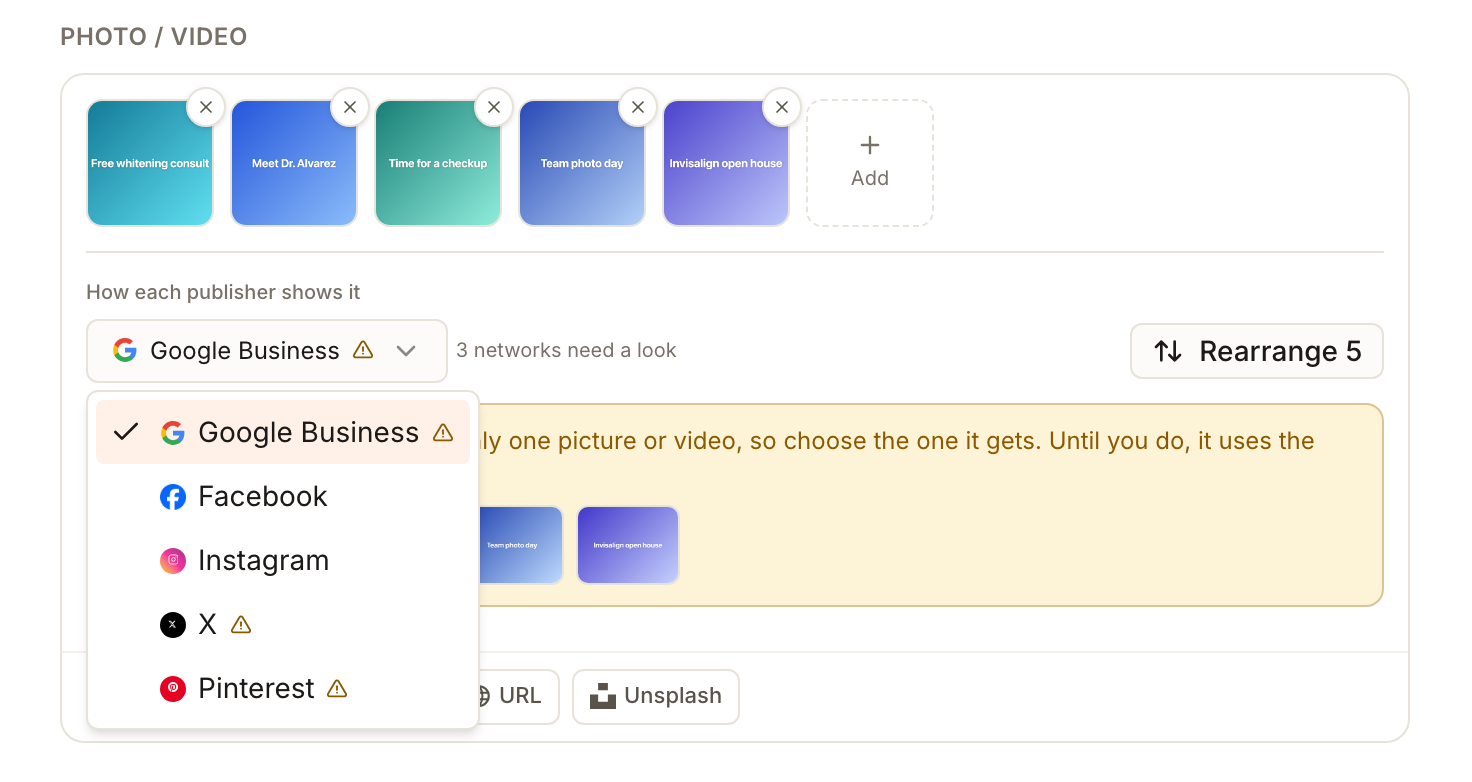
Act on each note. A yellow note means the post still publishes, for example Google Business supports only one picture or video, so choose the one it gets. Until you do, it uses the first. Tick the picture that network should get. A red note means that network would refuse the post as it stands, and the header beside Publish Now says what to fix.
Use Rearrange to set the order. The first picture is the one a single-picture network uses by default, and the order is how a carousel reads.
Check the preview for each network on the right, then publish or schedule as usual. See the composer.
What each network takes
| Network | Pictures | Video |
|---|---|---|
| Google Business Profile | One picture or one video | Up to 30 seconds and 75 MB |
| Up to 10 pictures, or a carousel of 2 to 10 | One video, not mixed with pictures. A regular video can run up to 20 minutes, and a Reel is 3 to 90 seconds and vertical | |
| 1 to 10 items, pictures and videos can be mixed in one carousel. It will not accept a post with no media | A single video publishes as a Reel (3 seconds to 15 minutes). Inside a carousel a video can run up to 60 seconds | |
| X | Up to 4 pictures | One video, up to 2 minutes 20 seconds, not mixed with pictures |
| Up to 5 pictures | One video, up to 10 minutes, not mixed with pictures | |
| One picture, or one video pin. It will not accept a post with no media | 4 seconds to 15 minutes, and a cover image is required | |
| Mastodon | Up to 4 pictures | One video, up to 40 MB, not mixed with pictures |
| Bluesky | Up to 4 pictures | No video. A post whose only media is a video is refused for Bluesky |
| YouTube | None | One video is required, up to 12 hours and 256 GB |
Every network except YouTube is also held to the 100 MB upload limit above, so the 75 MB for Google and 40 MB for Mastodon are the tighter ones. Pictures are limited to 10 MB when you upload them, and some networks prefer smaller files.
What the notes mean
-
Takes fewer pictures than this post has. The post still publishes. That network uses the first pictures, or the ones you ticked for it.
-
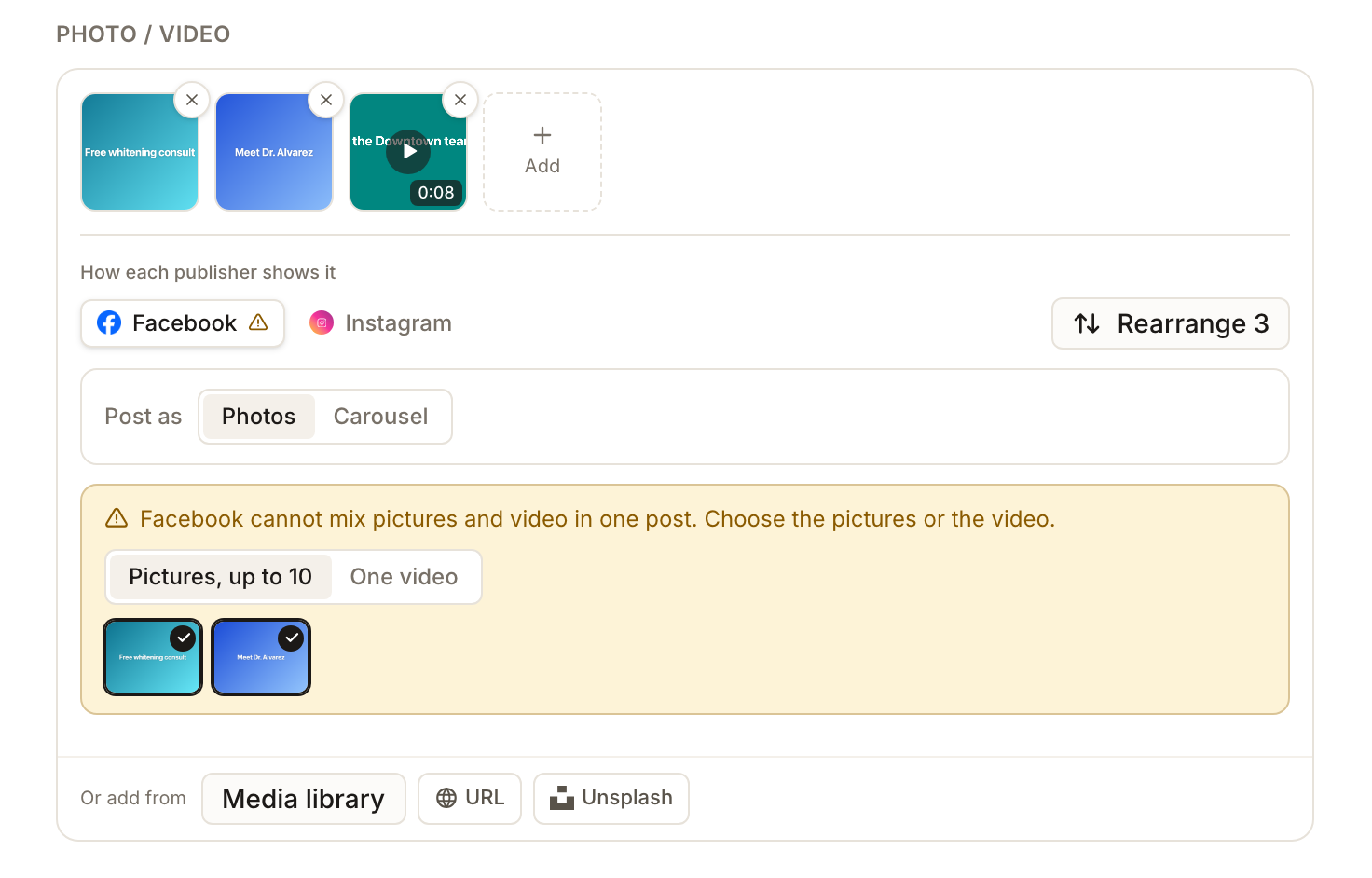
Cannot mix pictures and video in one post. Facebook, X, LinkedIn, Mastodon and Bluesky take pictures or a video. A Pictures / One video choice appears so you can pick which one that network gets. Only Instagram takes both together.
-
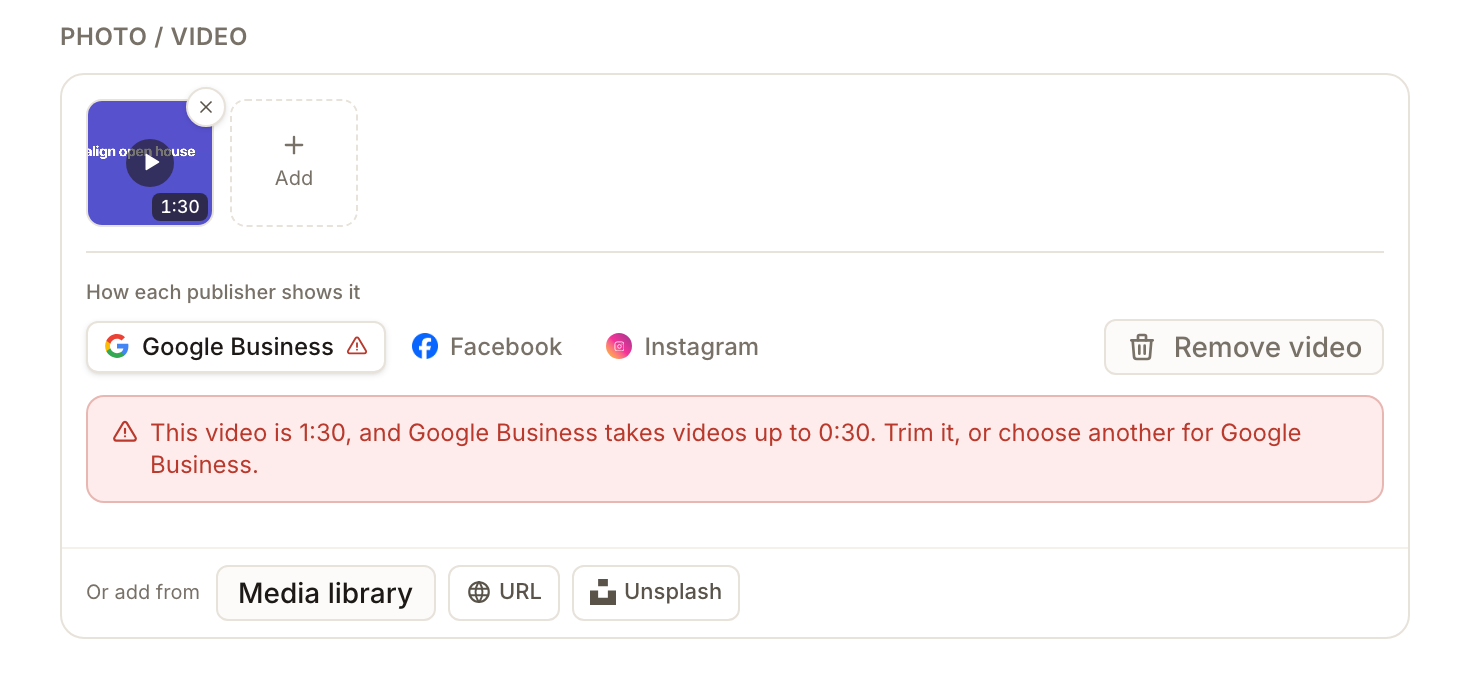
This video is 1:30, and Google Business takes videos up to 0:30. The video is too long for that network. Trim it, or pick another for that network.
-
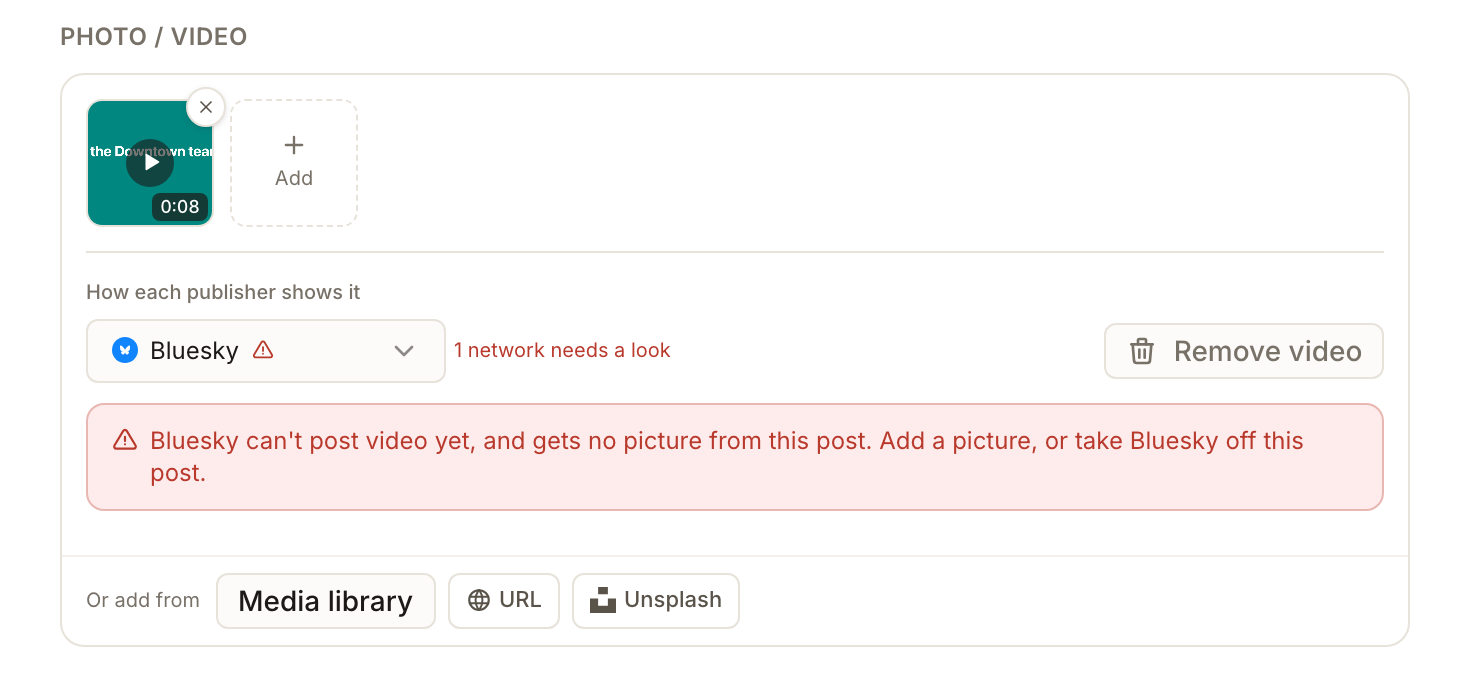
Bluesky can't post video yet, and gets no picture from this post. Add a picture, or take Bluesky off the post. Until then Publish Now stays off.
-
Publishes video only, or needs a picture or a video. Pinterest and Instagram need media, and YouTube needs a video. Add one, or take the network off the post.
Covers, carousels and alt text
When a post has a video, the options for networks that use a cover show a Cover block with Upload, From library and Choose a video frame. A cover must be a JPG or PNG. Facebook, Instagram, LinkedIn and YouTube use it, and Pinterest requires it. X and Mastodon do not use one.
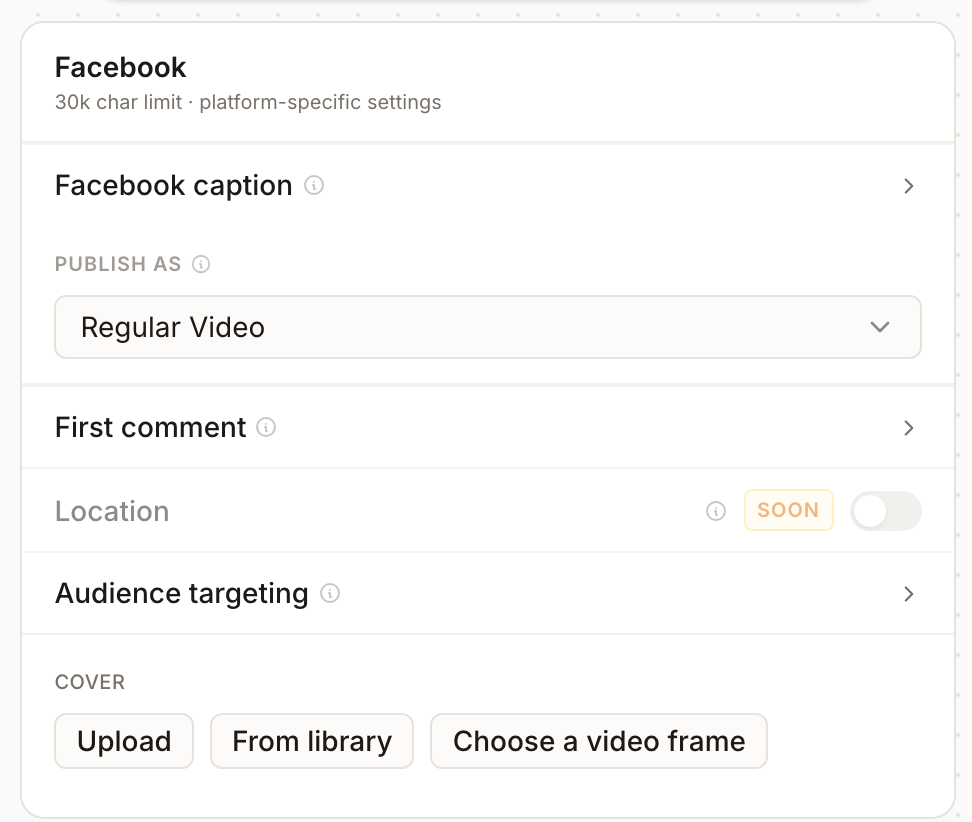
On Facebook, Publish as chooses between pictures, a Carousel of 2 to 10 pictures, a Reel and a regular video. A carousel is not available when the first item is a video, and each card can have its own headline, description and link. Alt text can be added for Instagram and Pinterest. Instagram keeps it in Synup but does not publish it to Instagram; Pinterest sends it.
What you'll see when it's done
- Your pictures or video as thumbnails, with a length badge on each video
- A network chooser with a warning mark on each network that needs a look, and none when every network is happy
- A preview for each network that shows its share of the media
Watch out for
- Video is limited to 100 MB. Trim or compress it first. A larger file is refused before it uploads, unless YouTube is selected.
- The hints under the icons can differ from the notes. Follow the notes under How each publisher shows it.
- A published post's media is locked. To use different media, create a new post.
- A draft can be saved with a note showing. Warnings do not stop Save Draft, but they apply again when you publish or schedule.
Questions people ask
Can I mix pictures and video in one post?
Only on Instagram. Facebook, X, LinkedIn, Mastodon and Bluesky take pictures or a video, and the composer asks which one each should get.
Why does Google only use one of my pictures?
Google Business Profile takes one picture or one video. Tick the one you want in the note under How each publisher shows it, or reorder so the right one comes first.
Can I post a video to Google?
Yes, a short one: up to 30 seconds and 75 MB. A longer video is flagged for Google with a note, and you can choose another file for it.
Where do I add many pictures at once?
Under Or add from, Media library lets you tick several stored pictures and add them together, up to the free slots. It lists JPEG and PNG pictures up to 10 MB. It is not offered to clients using the client portal.
Next
For the character limits that go with these rules, see networks and limits. If a published post failed, post status shows which channel rejected it and why.