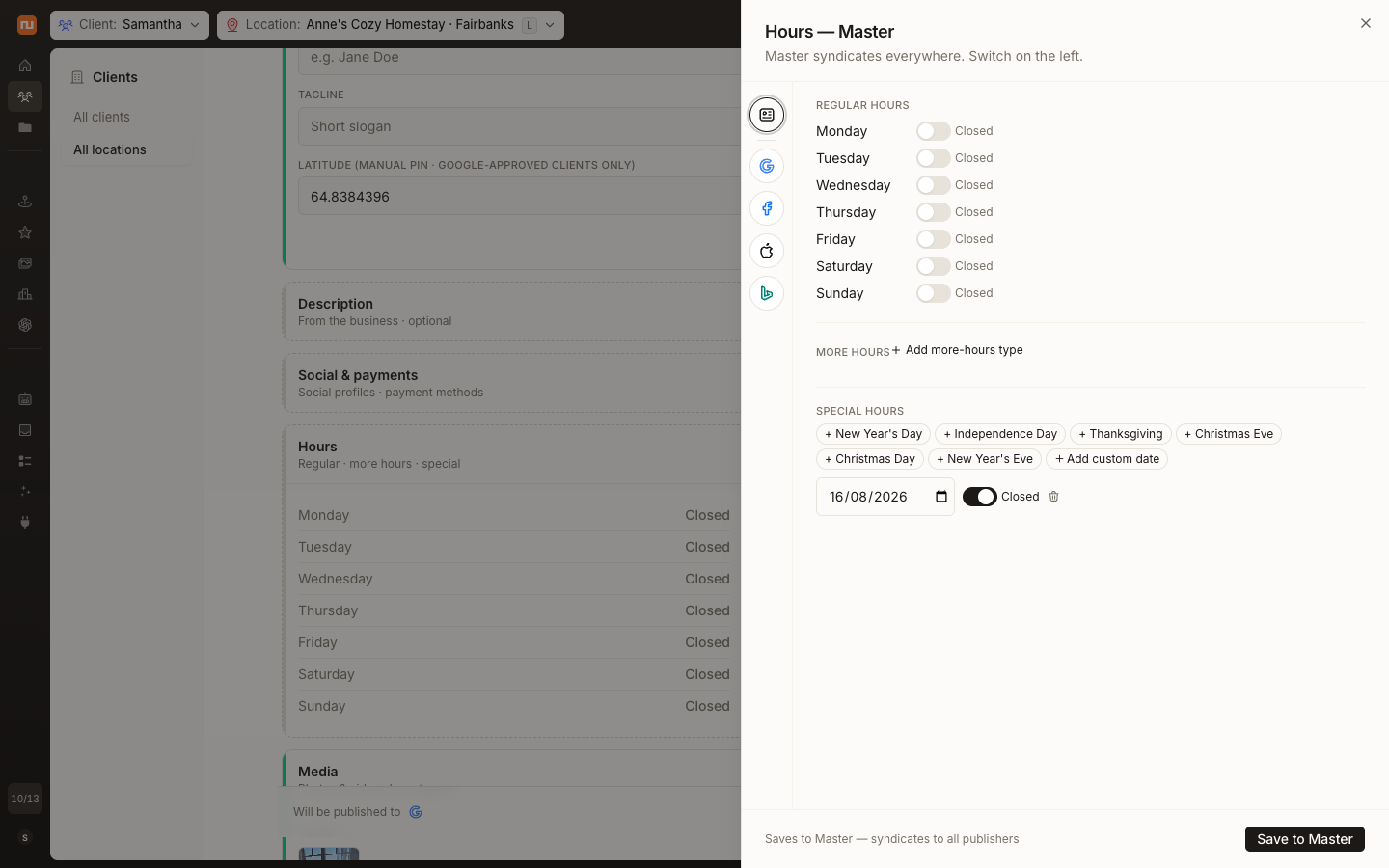
See AI visibility across every location
AI Visibility now gives teams an all-location view of how their portfolio appears in AI-generated answers.
Compare locations and competitors, follow visibility changes over time, and inspect prompt coverage and citations. When the reporting surfaces a gap, prioritized recommendations help teams decide what to address next.
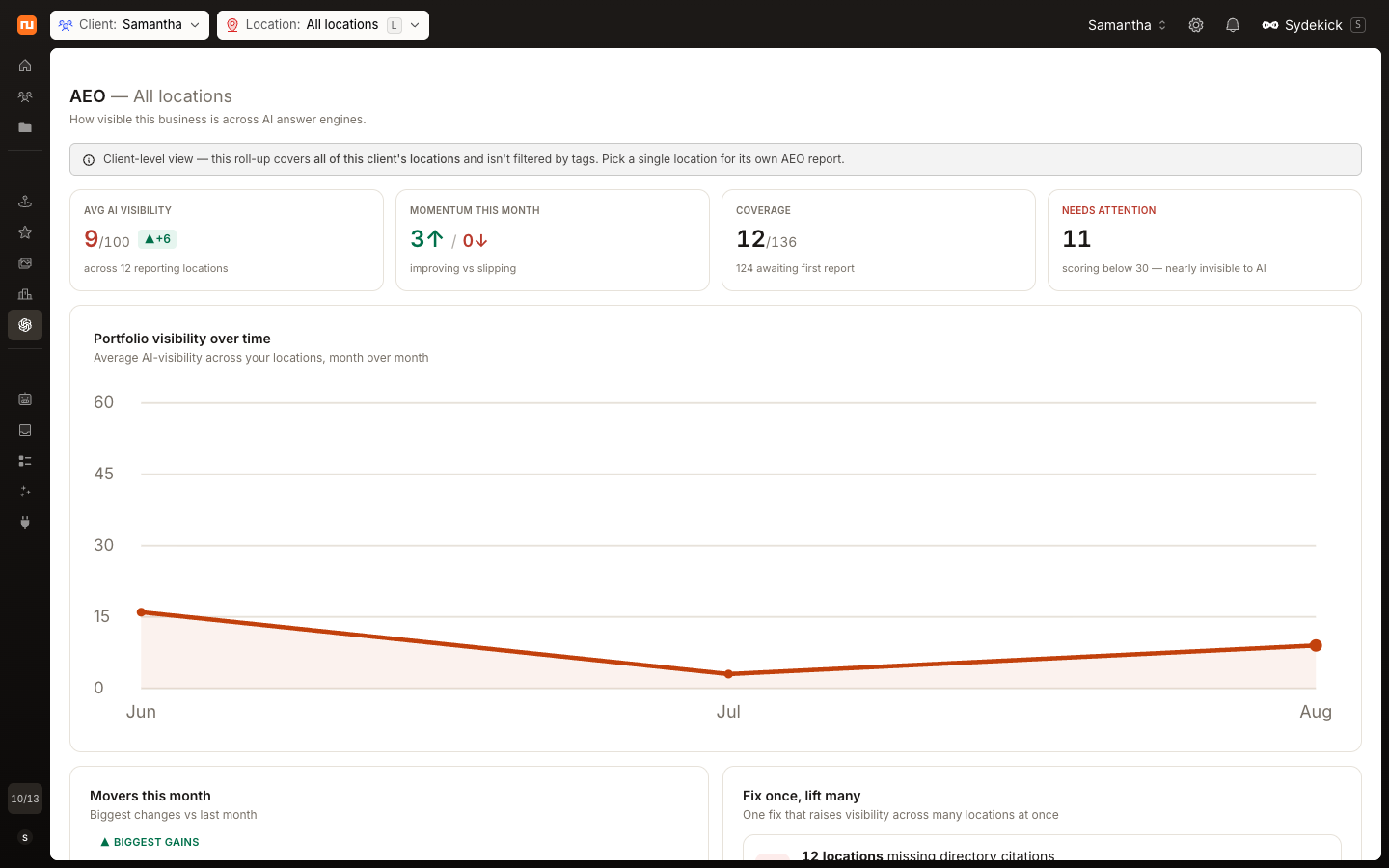
Compare profile performance across your location portfolio
Profile Analytics expanded beyond individual-location reporting with a combined view across all locations.
Teams can review combined engagement metrics, compare publisher performance and reporting periods, and see where data is available. Exportable data and a location leaderboard make it easier to identify stronger performers and locations that may need attention.
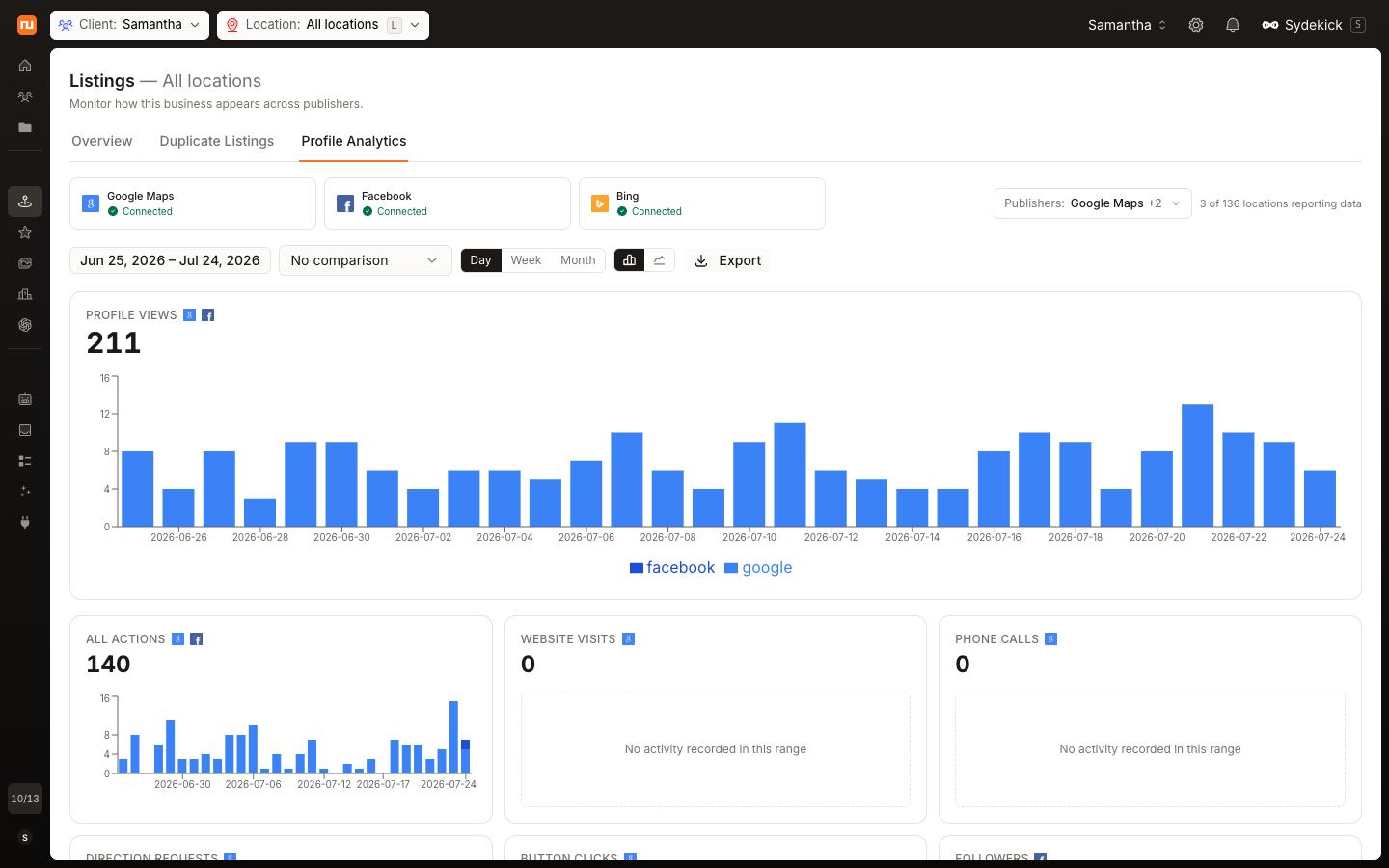
Import and update locations in bulk
Native Synup CSV workflows now support both creating locations and updating existing location data at scale.
Download a supported template, validate and preview the data, then run the import in the background while continuing other work. Progress remains visible, and downloadable error reports identify records that need correction. Existing location data can also be exported, updated, and re-uploaded through the Synup CSV workflow.
Reply to reviews in bulk and keep internal context attached
Teams can clear routine review backlogs in bulk while keeping reviews that need individual attention separate.
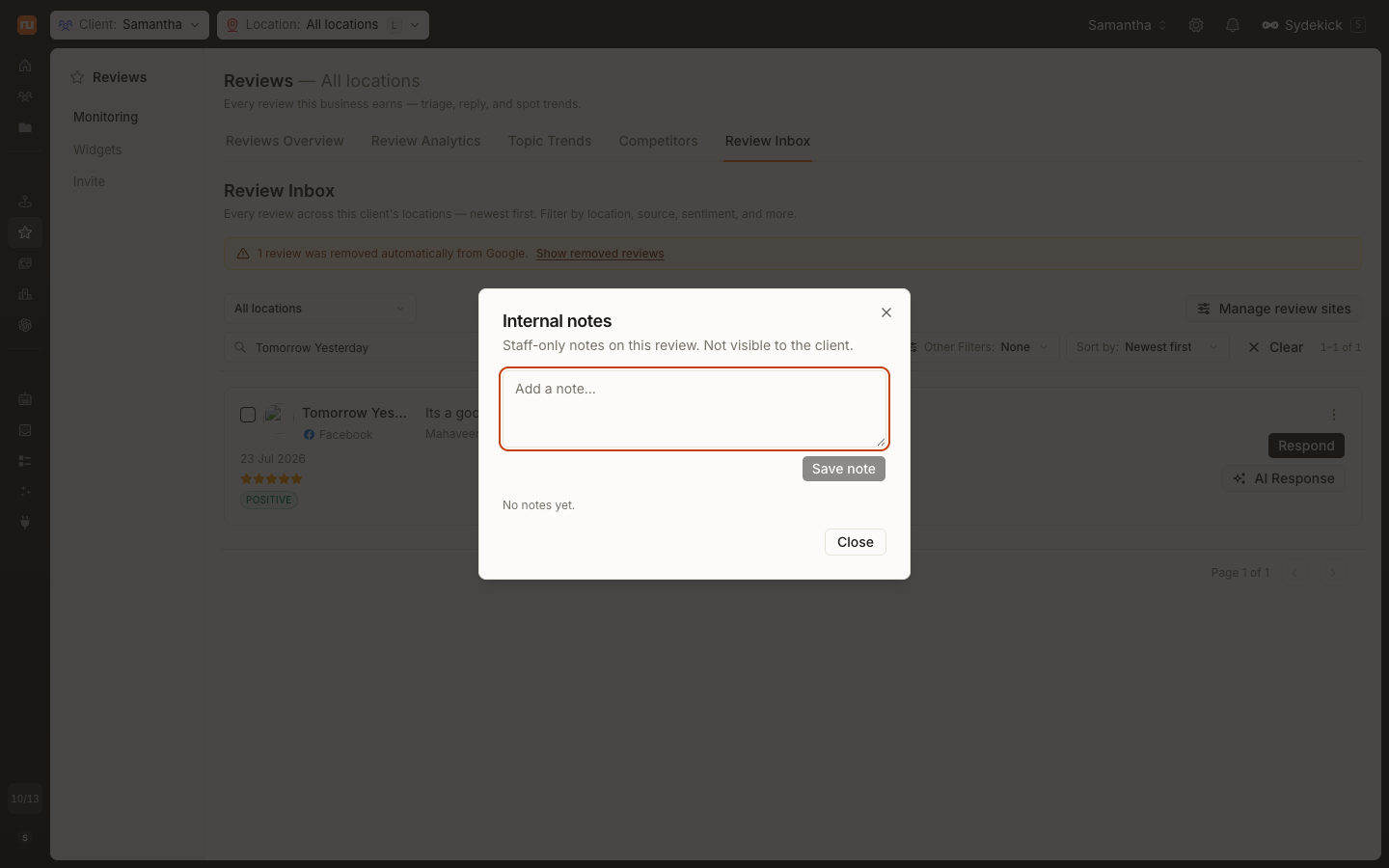
Bulk response workflows can prepare AI-generated drafts where appropriate and account for publisher-specific handling. For sensitive or nuanced cases, staff can add internal notes to an individual review so useful context stays with the conversation without becoming part of the public reply.
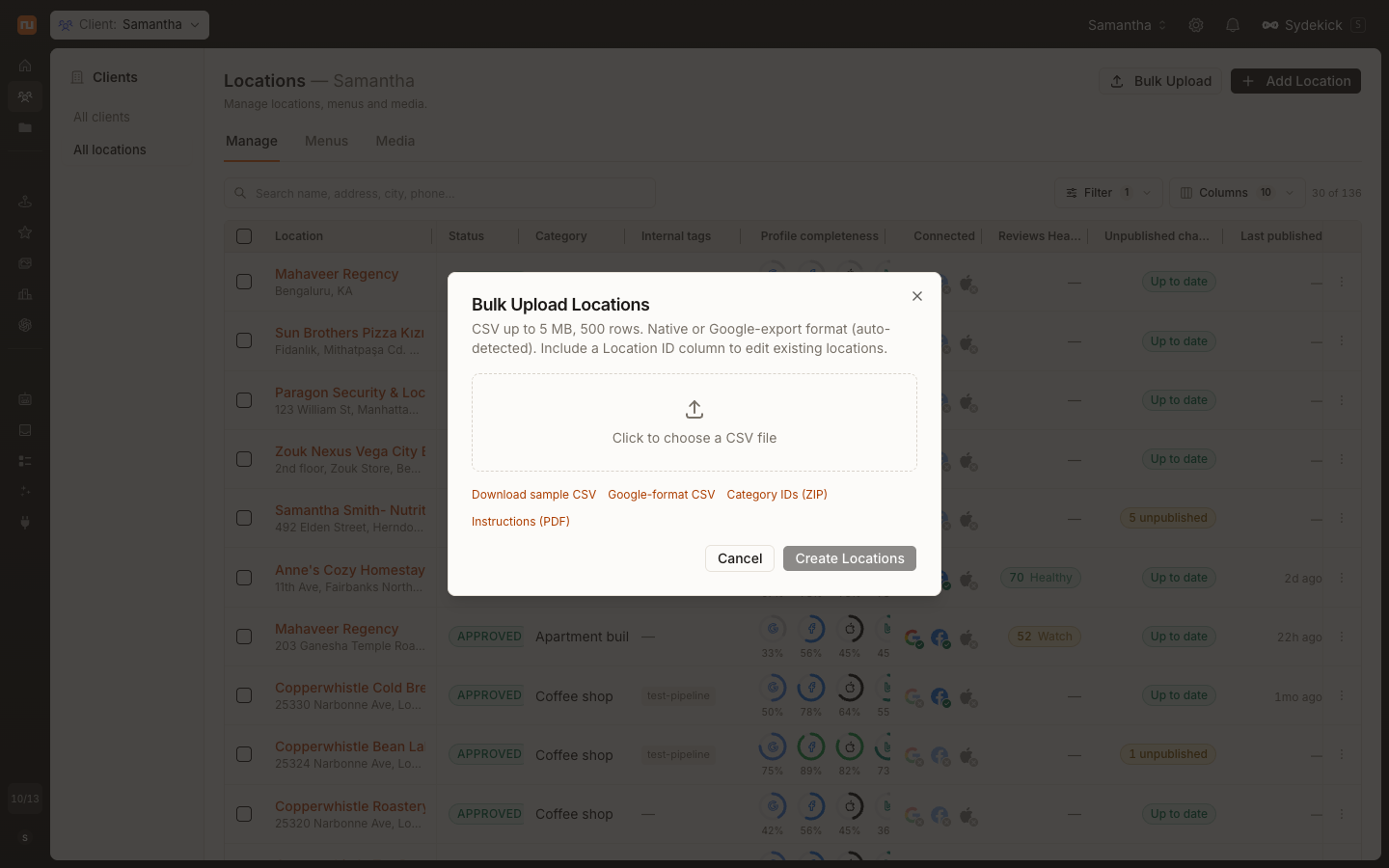
Set special hours for any date
Special hours can now be added for a custom calendar date instead of being limited to fixed holiday presets.
Customers can add a custom calendar date and configure exceptional hours or mark the business closed. This supports one-off closures, local events, seasonal schedules, and other non-standard dates, while final display and acceptance may vary by publisher.