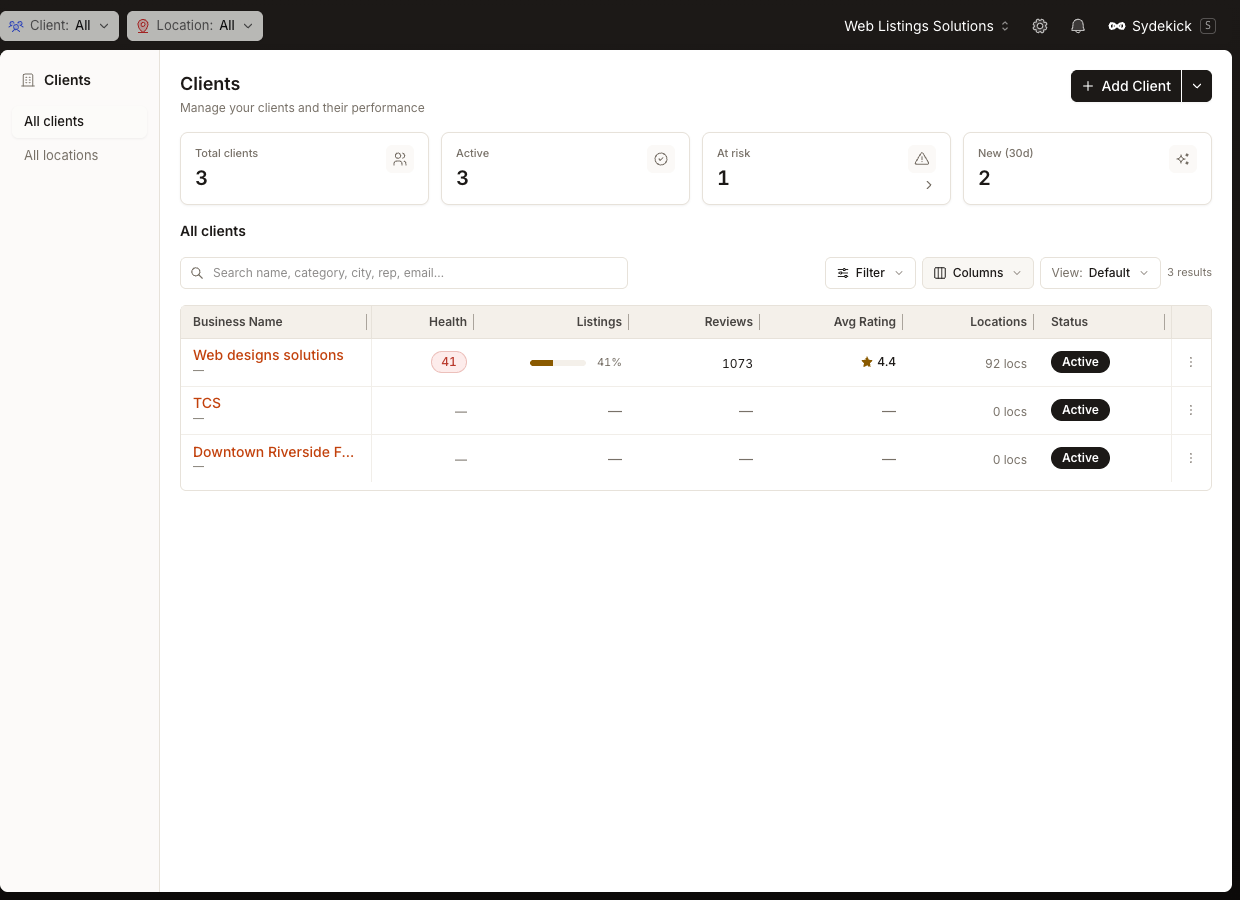
Manage your client portfolio from one workspace
Synup expanded the client portfolio workspace with a more operational view of agency accounts.
During May, agencies gained a clearer way to review client portfolio KPIs, search and filter accounts, save useful views, control table columns, and compare operational details such as Listings performance, Reviews, average rating, location counts, and client status. The workspace has continued to evolve since then, so today's table and data sources may differ from the original May experience.
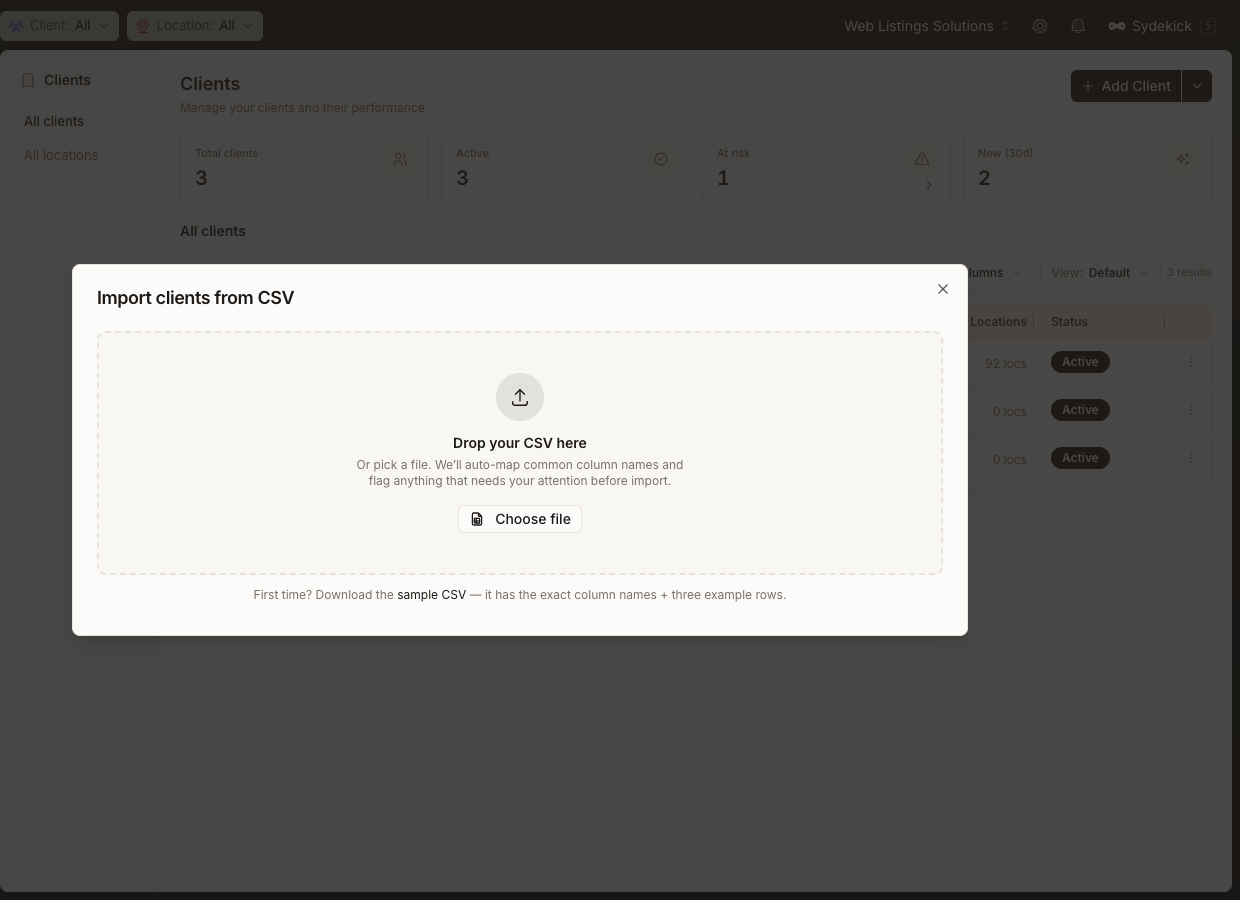
Import clients from CSV and connected business systems
New import workflows reduced the repetitive work involved in setting up an existing client portfolio.
During May, Synup added workflows for importing client information from CSV and supported connected business systems instead of adding every client manually. This included workflows for systems such as Stripe, HubSpot, and Zoho alongside CSV import, while connector availability and the current provider set may vary.
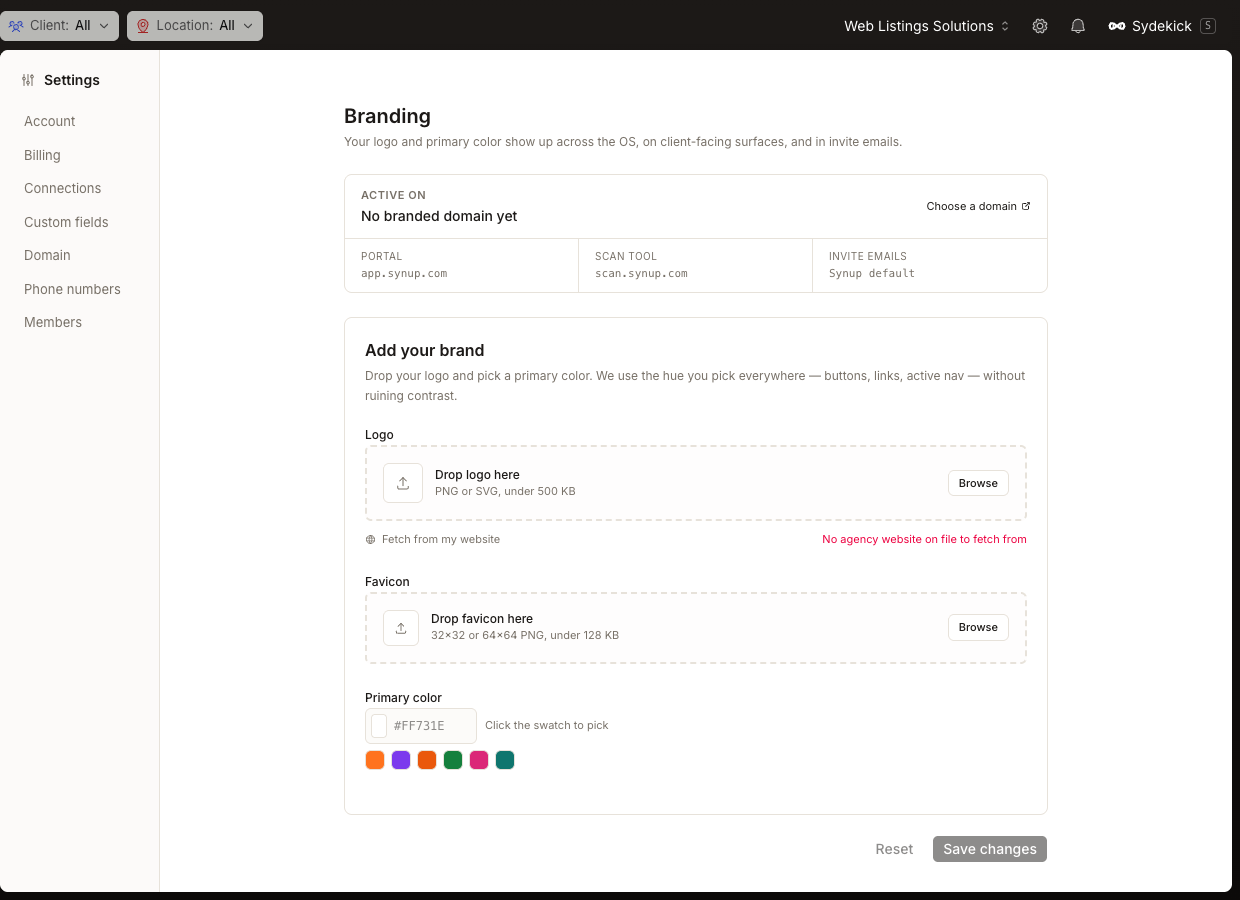
Apply agency branding across client-facing experiences
Agency branding controls expanded across the experiences clients see and use.
During May, Synup expanded controls for agency logos, favicons, brand colors, branded domains, the client-facing portal, scan experiences, and invite-email presentation. The current settings navigation and exact controls have evolved since then.